Keep the right machines working.
We build software that ties a rental request to the right machine, its delivery, its time on site and its return. Your team sees what’s actually ready, and what a change will break.
01Match the machineBefore the quote
Turn a vague request into a shortlist.
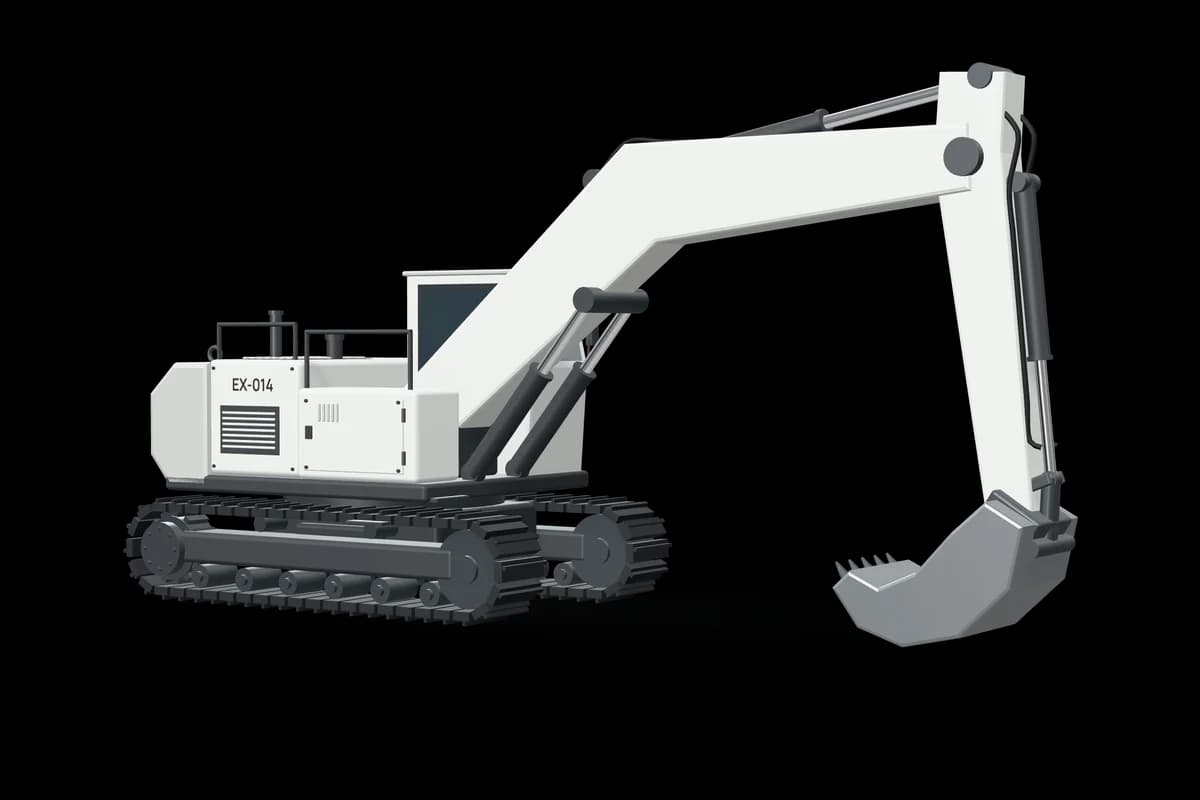
Customers rarely send a full spec. We can build a tool that checks the request against your machines, calendar and inspection records, and flags what’s missing. The examples follow one made-up excavator, EX-014.
01 / 03 · RequestAn email lands at the rental desk.
You can use this.
- Step through it
- Play the example
“We need an excavator for quarry work next week, with the required attachment and delivery to site.”
Still unanswered
- Which attachment?
- What’s the ground like?
- When can the quarry take delivery?
- Situation
A customer wants an excavator, an attachment and delivery to a quarry.
- Finding for review
EX-014 with AT-112, to confirm.
- Next step for your team
Your specialist checks it and quotes.
A match isn’t a sign-off. Your specialist decides what suits the job.
Give the rental desk a shortlist it can explain.
02Prepare the deliveryBefore dispatch
Check the whole handoff before you promise delivery.
A free machine isn’t a delivered one. The truck and the quarry gate have to line up first. We can show your dispatcher which of those is still open.
01 / 03 · PlanThe machine’s ready. The truck and the gate aren’t.
You can use this.
- Step through it
- Click a check
- Situation
The quote’s accepted and EX-014 is reserved for 12–23 Oct.
- Finding for review
The machine’s ready. The delivery isn’t.
- Next step for your team
Your dispatcher confirms the handoff.
A road route isn’t heavy-haul clearance. Permits and loading need your own check.
Know what’s still open before you commit to a delivery date.
03Manage the rentalWhile on rent
See what an extension changes.
Three more days sounds easy until the machine is booked for someone else. We can put the clash and the options in front of your team before anyone says yes.
01 / 03 · On rentEX-014 is breaking rock at the quarry until 23 Oct.
You can use this.
- Step through it
- Switch the extra days
- Situation
The customer asks, “Can we keep the machine for three more days?”
- Finding for review
Nothing requested yet.
- Next step for your team
Your team picks a plan, then answers the customer.
Meter hours aren’t billable hours. Nothing here changes a booking or adds a charge.
Say yes to the extension without letting the next customer down.
04Return it to serviceAfter return
Decide when a returned machine can go back out.
We can line up return photos and meter readings against the handoff. Your inspector sees what changed. The machine stays off the board until someone signs it off.
01 / 05 · ReturnedEX-014 is back in the yard with AT-112.
You can use this.
- Take the next step
- Compare an area
Pick an area to compare.
- Situation
EX-014 is back from the quarry. R-1057 is waiting for it.
- Finding for review
Off the board until someone signs it off.
- Next step for your team
Inspector checks the mark. Shop does the service.
Photos support an inspection. They don’t certify a machine or set a charge.
Know what stands between a returned machine and its next rental.
How we start
Start with one part of your fleet.
Pick one machine class or one yard. We map the records your desk, dispatch and shop already keep, then run one workflow beside your current process.
The software suggests. Your rules still decide availability, prices and holds.
Where does a rental get held up?
Finding the machine, getting it there, an extension, the turnaround. Tell us which one costs you most and we’ll start there.
Talk through your rental operation